Image color replacer Give an existing graphic a new color.

Replace a chosen color across an image and inspect the edges before downloading.

Replace a selected image color

Pick a source color, choose its replacement and refine the matching edge.

Compare the original and result

Click the original to sample a pixel, or use pixel coordinates. The checkerboard indicates transparency.

Load an image or use the example to begin.

Matching pixels anywhere in the image may change. This tool does not identify objects or preserve photographic materials.
Use the result

Load an image or use the example to begin.

PNG retains the decoded image dimensions and pixel alpha. The JSON report records parameters and counts; neither export preserves source metadata, color profiles or animation. Undo keeps up to 20 parameter states for the current image.

Images are processed in your browser, without uploading them. The site still loads assets, advertising and analytics.

Give an existing graphic a new color.

Replace a chosen color across an image and inspect the edges before downloading.

Start with a flat graphic

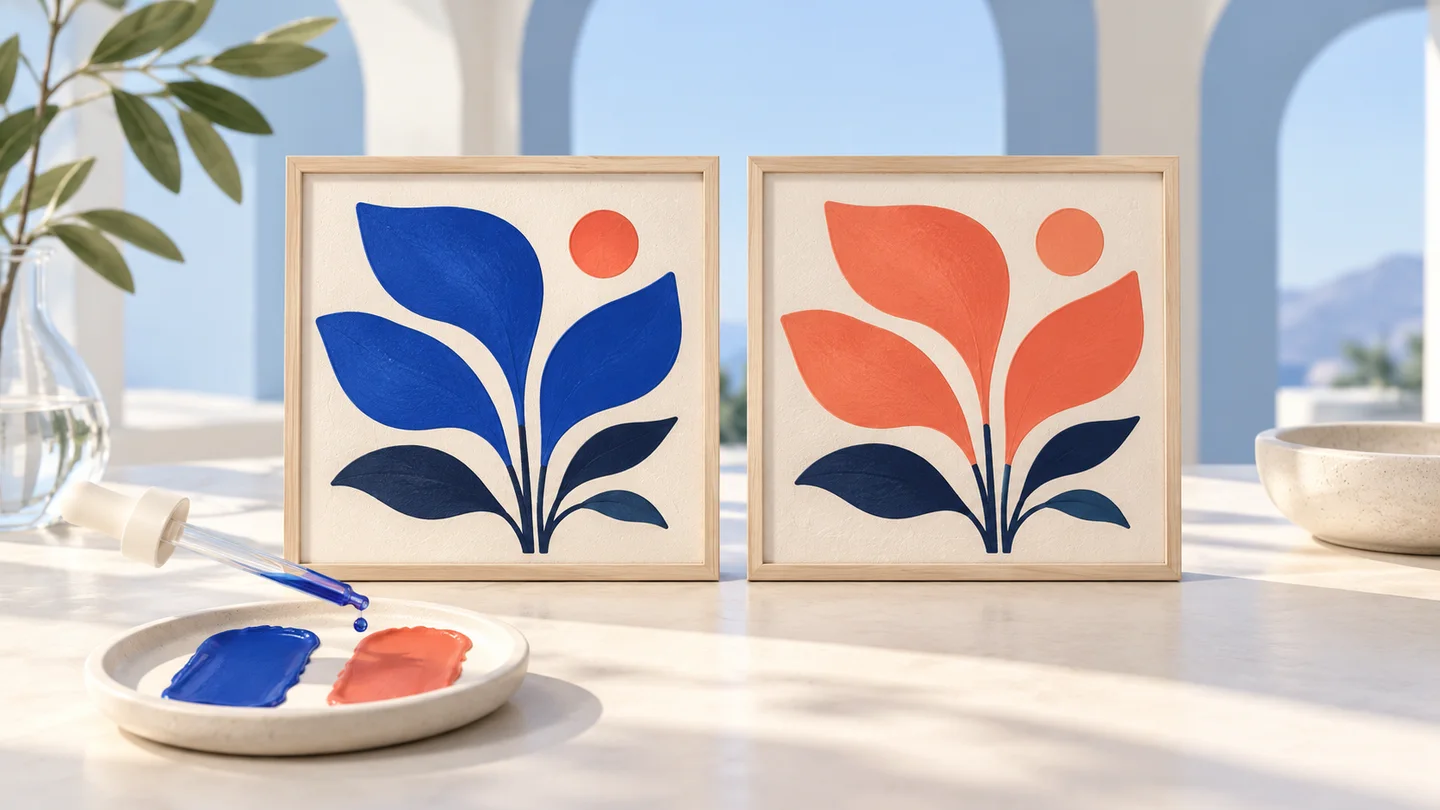
A small brand update should not require rebuilding every icon. Sample a color from the original, compare the replacement and keep the surrounding transparency. The image is always processed from its original decoded pixels, so parameter changes do not compound.

Two framed botanical prints with blue leaves replaced by coral

Refine the matching boundary

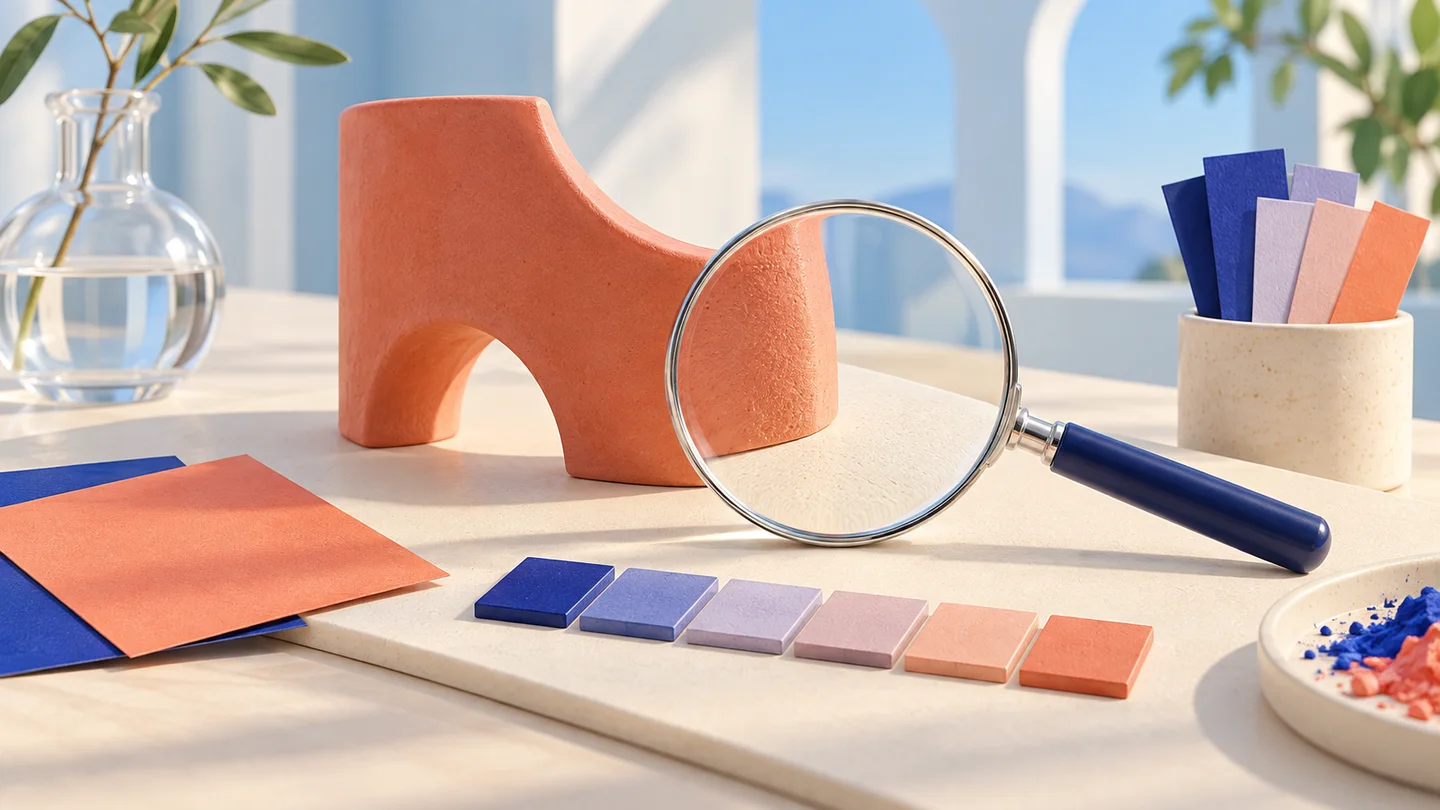
Anti-aliased edges and compressed images contain nearby colors. Use tolerance to include them and softness to ease the boundary, while inspecting the rest of the image for unintended matches.

Magnifying lens over a coral edge with neighboring color swatches

How to replace image colors

Replace a chosen color across an image and inspect the edges before downloading.

01

Load and sample

Choose a local image or the example. Click an original pixel or enter its coordinates.

02

Tune the replacement

Set the new opaque color, tolerance and softness. Compare all affected regions and undo parameters when needed.

03

Download the result

Save the PNG with alpha or the JSON report. Inspect the downloaded image in its intended use.

Image color replacer FAQ

Replace a chosen color across an image and inspect the edges before downloading.

What images is this useful for?

Flat logos, icons and illustrations with distinct colors are good starting points. The replacement assigns a chosen color to matching pixels; it is not a realistic fabric, paint or product recoloring model.

Does it recognize the object I clicked?

No. Clicking samples the pixel RGB value. Matching colors anywhere in the image may change, including other objects. Inspect the complete result before downloading.

How do tolerance and edge softness work?

Tolerance is encoded RGB Euclidean distance normalized by sqrt(3) times 255. Zero matches exact RGB bytes. Softness blends the replacement within the tolerance boundary; it does not blur the image or represent Delta E.

Does the PNG keep transparency?

Yes. Every pixel retains its original alpha; fully transparent pixels are skipped. The checkerboard is only a preview background and is not saved into the PNG. Replacement color inputs must be opaque.

Which formats, sizes and animations are supported?

PNG, JPEG and WebP up to 20 MiB, 12 million pixels and 6000 px per side. Images are not automatically resized. Only the browser-decoded static image is processed; animation is not retained. SVG and GIF are rejected.

Why do edges or JPEG colors remain?

Anti-aliasing, compression and shading create nearby RGB values. Increase tolerance carefully and use softness, then inspect for unintended changes elsewhere. The tool does not reconstruct original materials or hidden edge colors.

Are my files uploaded or restored from a link?

Processing runs locally. The URL preserves valid parameters, not image bytes. After reloads or language changes, a local image must be selected again. The site still loads assets, advertising and analytics.

What is preserved in exports and undo?

PNG keeps decoded dimensions and pixel alpha, not original metadata or color profiles. JSON records settings and counts. Undo stores up to 20 valid parameter states for the current image; it does not undo a change of source image.

Technical references: MDN · Canvas · Adobe · Color replacement

Give an existing graphic a new color.

Replace a chosen color across an image and inspect the edges before downloading.

Matching pixels anywhere in the image may change. This tool does not identify objects or preserve photographic materials.