Your color
Original color
Hidden
Score
--
Toon Tone color game
Use hue, saturation, and brightness sliders to guess the missing color of cartoon-style characters, then compare your answer with the real target color.
Five quick rounds. Browser-only play. Shareable results.
The Toon Tone color game shows a character prompt and a transparent target area. Move the HSB sliders until the filled color matches your memory, then lock in your guess.
Your color
Original color
Score
--
Searchers often want to guess the color of cartoon characters. These sample prompts show the kinds of character-inspired color memories you can practice.
Prompt source: Meister Eder und sein Pumuckl (1982)
Color target: Hair
Prompt source: Family Guy (1999)
Color target: Trousers
Prompt source: Adventure Time (2010)
Color target: Backpack
Prompt source: South Park (1997)
Color target: Jacket
Prompt source: Phineas and Ferb (2007)
Color target: Skin
Prompt source: Mickey Mouse (2013)
Color target: Sailor Jacket
Prompt source: Mickey Mouse (1932)
Color target: Hat
Prompt source: Tom and Jerry (1940)
Color target: Body Fur
Prompt source: Johnny Bravo (1997)
Color target: Pants
Prompt source: Rick and Morty (2013)
Color target: T-Shirt
Prompt source: Peanuts (1950)
Color target: Shirt
Prompt source: One Piece (1999)
Color target: Shorts
Prompt source: My Hero Academia (2016)
Color target: Hero Suit
Prompt source: Snow White and the Seven Dwarfs (1937)
Color target: Outfit
Prompt source: SpongeBob SquarePants (1999)
Color target: Shorts
Prompt source: Scooby-Doo, Where Are You! (1969)
Color target: Dog Collar
Prompt source: Speed Racer (1967)
Color target: Glove
Prompt source: The Powerpuff Girls (1998)
Color target: Hair Bow
Prompt source: Phineas and Ferb (2007)
Color target: Hair
Prompt source: Teenage Mutant Ninja Turtles (1987)
Color target: Eye Mask
Prompt source: Inspector Gadget (1983)
Color target: Outfit
Prompt source: Courage the Cowardly Dog (1999)
Color target: Skin
Prompt source: Garfield and Friends (1988)
Color target: Fur
Prompt source: Dexter's Laboratory (1996)
Color target: Gloves
Prompt source: Naruto (2002)
Color target: Headband
Prompt source: Dragon Tales (1999)
Color target: Body Skin
Prompt source: Kim Possible (2002)
Color target: Cargo Pants
Prompt source: The New Adventures of Winnie the Pooh (1988)
Color target: Body Fur
Prompt source: Ben 10 (2005)
Color target: Omnitrix Core
Prompt source: The Amazing World of Gumball (2011)
Color target: Fur
Prompt source: Beavis and Butt-Head (1993)
Color target: Hair
Prompt source: Family Guy (1999)
Color target: Shirt
Prompt source: Adventure Time (2010)
Color target: Body Fur
Prompt source: The Simpsons
Color target: Skin
Prompt source: SpongeBob SquarePants (1999)
Color target: Body
Prompt source: Scooby-Doo, Where Are You! (1969)
Color target: T-Shirt
Play Toon Tone with a random mix of these prompts.
Start Toon ToneToon Tone is simple on purpose: the faster the loop, the easier it is to notice how your eye handles hue, saturation, and brightness.
Every guess maps to hue, saturation, and brightness, so you practice the same controls designers use in real color tools.
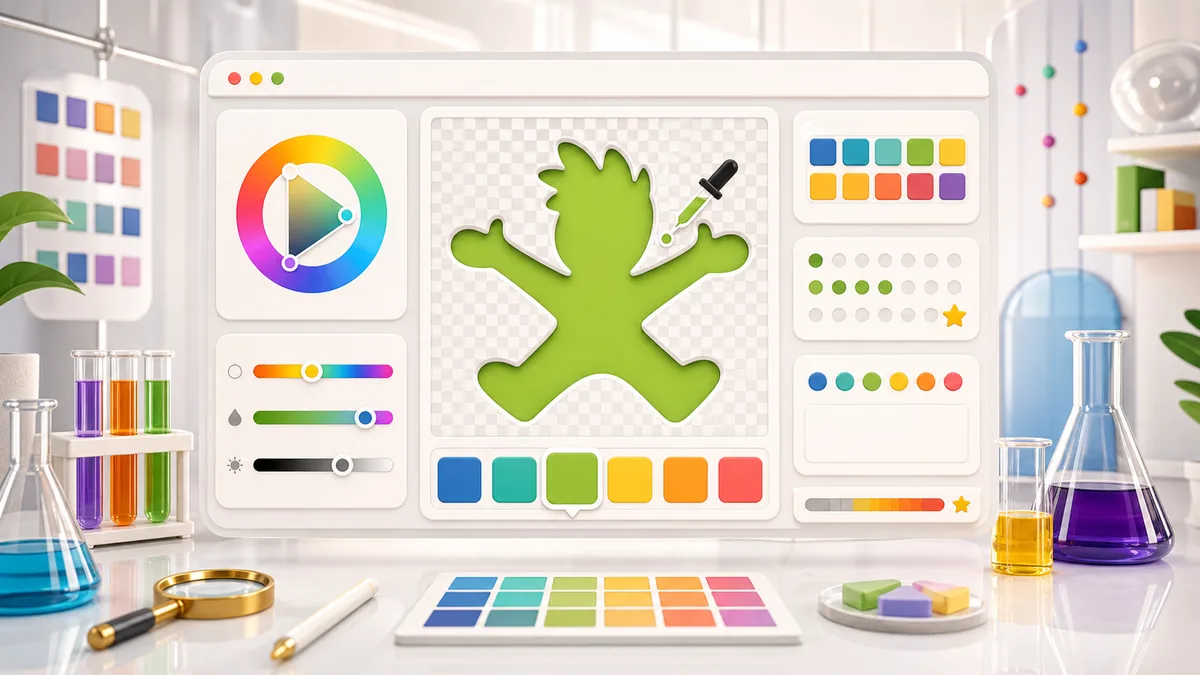
After each round, you see your color, the original color, and a score. That immediate comparison is what makes the practice stick.
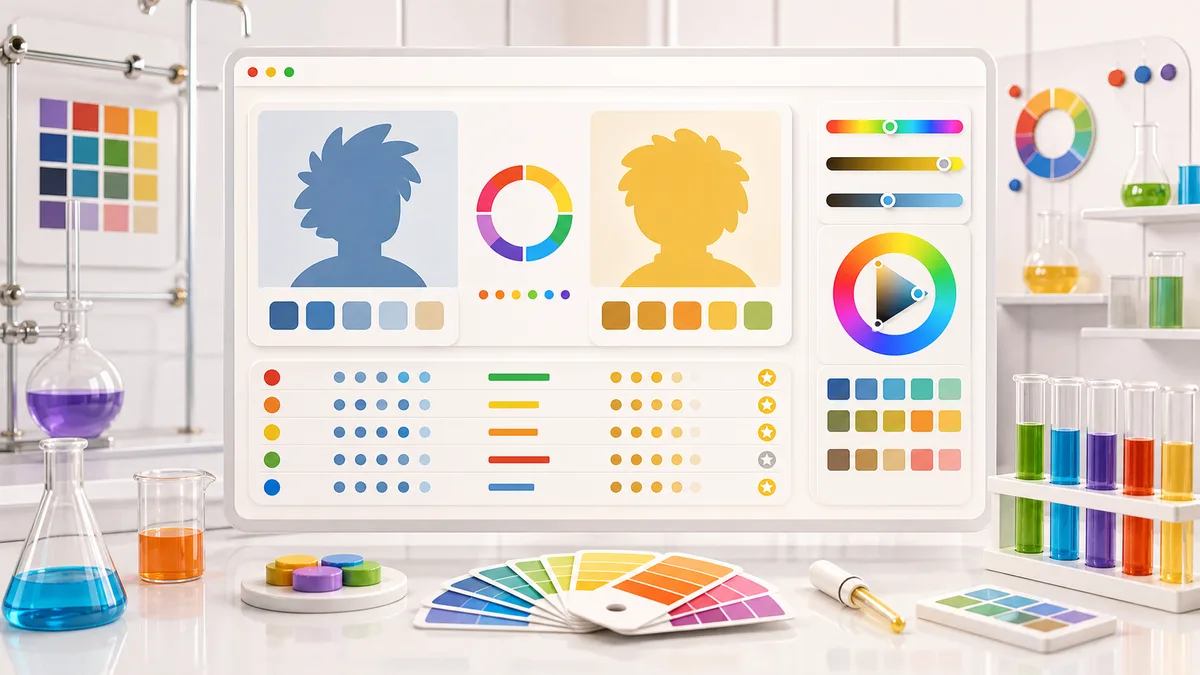
Each Toon Tone run is five short rounds. You only need a minute, but every round gives a useful color memory signal.
Each round names a character and a target part. Look at the transparent area and remember how that color should feel.
Move hue, saturation, and brightness until the filled transparent area looks right. The live preview updates instantly.
The image assets are WebP cutouts, so the chosen color appears through the transparent target area.
After five rounds, copy a compact result card with round markers, score, link, and color challenge hashtags.
Good Toon Tone scores usually come from brightness control, not only choosing the right hue family.
Copy result after playingToon Tone is not a scientific color test, but it gives fast, useful feedback on everyday color perception.
Can you remember whether the color leans blue, cyan, green, orange, pink, or red?
Can you tell whether the target color is vivid, muted, grayish, or nearly pure?
Can you match how light or dark the remembered color should be without overcorrecting?
The MVP score compares your RGB color with the target RGB color and normalizes that distance to a 0-10 round score.
A five-round scorecard is quick to copy and easy to share on social platforms.
The character pool changes every run, so a new session can test a different mix of color memories.
Useful answers for players searching for Toon Tone, cartoon color guessing, HSB color games, and shareable color challenges.
Toon Tone is a free cartoon color guessing game. You use HSB sliders to recreate a missing target color and receive a score for each round.
Palette Lab converts your HSB guess to RGB, compares it with the correct RGB value, and turns the normalized distance into a 0-10 score.
HSB separates hue, saturation, and brightness, which makes color memory practice easier to understand than guessing a raw HEX code.
Yes. Toon Tone uses character-inspired prompts and transparent target areas so you can guess the missing color of cartoon-style characters from memory.
Both spellings describe the same kind of game. Palette Lab uses American English in titles, but players searching for a colour guessing game can play Toon Tone too.
The official Palette Lab Toon Tone color game is hosted at palettelab.org/toon-tone/. If you searched for Toon Tone Vercel app, ToonTone, ton tone, or toone tone, use this Palette Lab page.
No. Palette Lab Toon Tone is an independent color memory game and is not affiliated with any cartoon studio, network, publisher, or rights holder.
Replay Toon Tone to test a new set of character-inspired color prompts.
When you want real project colors instead of memory practice, open the Palette Lab image palette extractor.
Toon Tone is free, browser-based, and built for quick color memory practice.