Extracted color palette
Click a swatch to copy its HEX value, or copy CSS variables and JSON for the whole palette.
Copied to clipboard.
Upload an image to extract a color palette.
:root Private image color tool
Upload a photo, logo, screenshot, or artwork and extract a practical color palette with HEX, RGB, HSB, OKLCH, CSS variables, and JSON output.
Your image is processed locally with browser Canvas APIs and is not uploaded to Palette Lab.
Drop an image into the color palette extractor, choose 5-10 dominant colors, and copy the output format that fits your design or frontend workflow.
Click a swatch to copy its HEX value, or copy CSS variables and JSON for the whole palette.
Copied to clipboard.
:root A color palette extractor is most useful when it turns an image into formats you can reuse immediately.
Instead of manually sampling one pixel at a time, the color palette extractor groups visible pixels and surfaces dominant colors for a faster starting point.
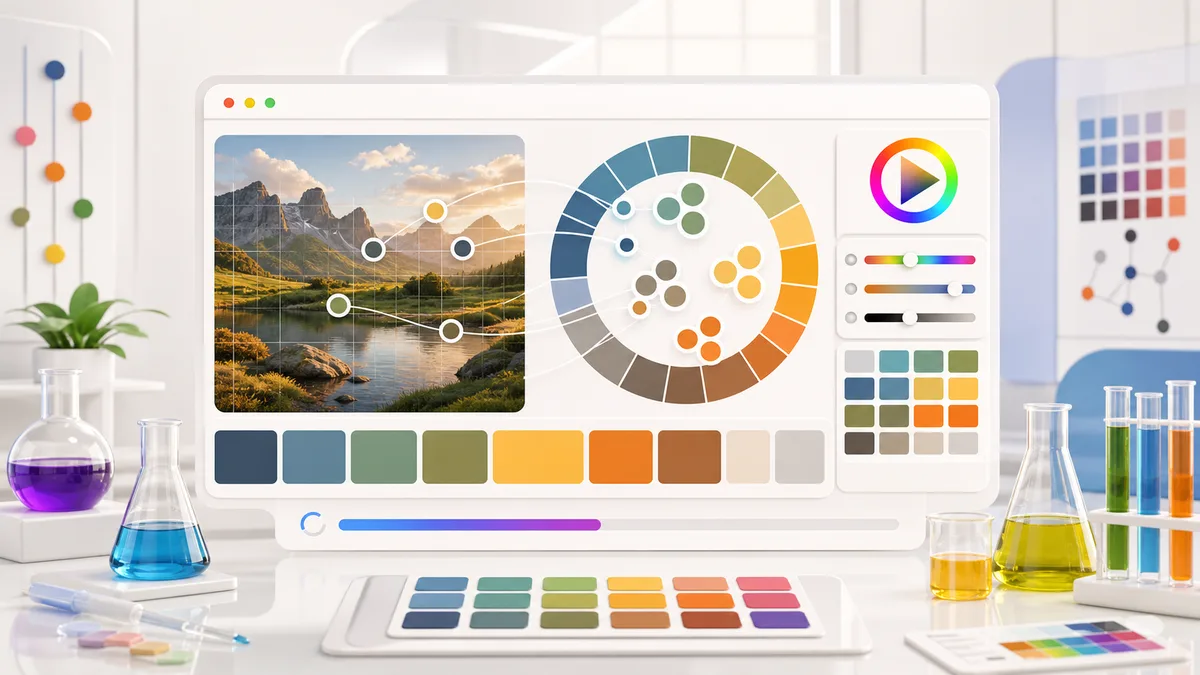
Palette Lab includes HEX, RGB, HSB, OKLCH, CSS variables, and JSON so the extracted palette can move into websites, UI kits, and visual systems.
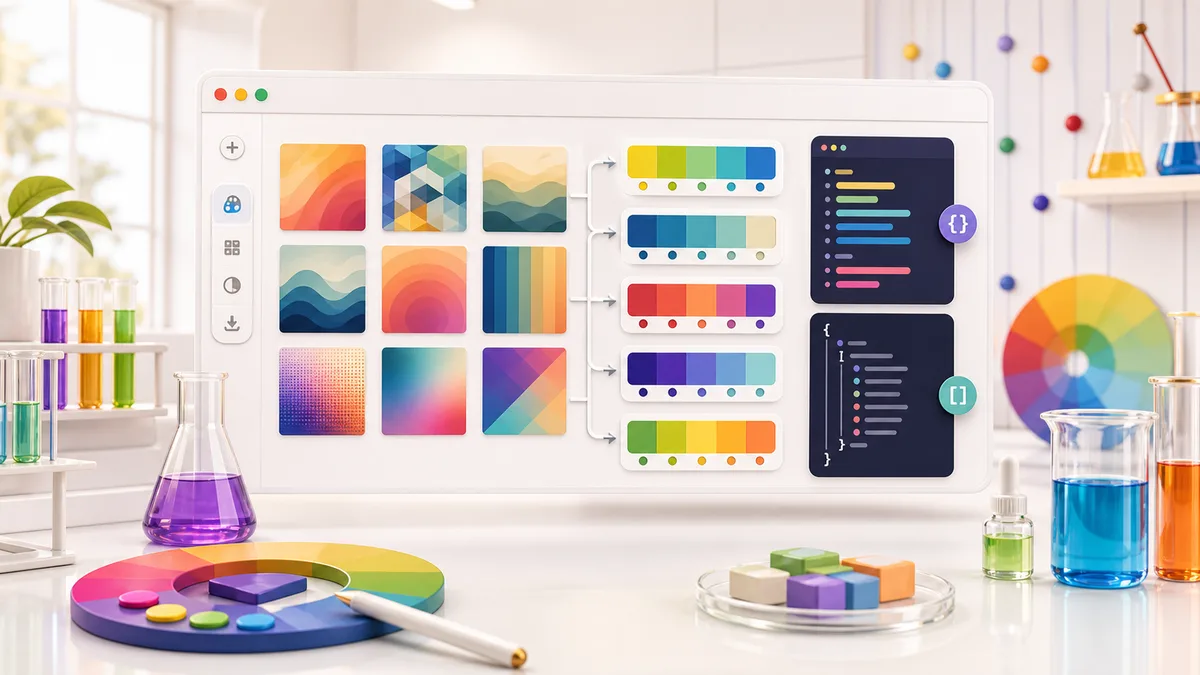
The color palette extractor workflow is deliberately short: upload, inspect, copy, and refine in your design tool if needed.
Choose a JPG, PNG, WebP, or GIF from your device. The browser decodes the image and prepares a local Canvas sample.
Use 5 colors for a tight brand palette or 8-10 colors when a photo, illustration, or UI screenshot has more variation.
The MVP uses a lightweight browser clustering algorithm so the tool stays fast and private.
Click any swatch to copy HEX, or copy the full CSS variables and JSON when you need structured output for a project.
Use OKLCH values when you want to refine perceived lightness and chroma in modern CSS workflows.
Copy the paletteThe Palette Lab color palette extractor focuses on output designers and developers actually paste into projects.
Copy the standard six-digit HEX values used across CSS, Figma, design tools, and brand guides.
Use RGB output when you need canvas work, JavaScript color math, or quick CSS rgb() values.
Read hue, saturation, and brightness to understand how each extracted color behaves visually.
Use OKLCH as a modern color reference for perceived lightness, chroma, and hue.
Copy a ready :root block for quick website prototypes and design token experiments.
Export structured color data when you want to transform the palette in build tools or app code.
Answers for designers, artists, and frontend developers using the Palette Lab color palette extractor.
The Palette Lab color palette extractor samples visible image pixels in the browser, clusters similar colors, and returns the most dominant palette colors.
No. The color palette extractor runs locally with browser Canvas APIs, so your selected image is not uploaded to a Palette Lab server.
The tool supports common browser-decodable images such as JPG, PNG, WebP, and GIF. Browser support may vary by device.
Yes. Palette Lab generates copy-ready CSS variables, plus HEX, RGB, HSB, OKLCH, and JSON values for each extracted color.
Drop in a screenshot, logo, artwork, or photo and turn it into a practical color palette.
Then copy HEX, CSS variables, or JSON and keep moving.
The color palette extractor is free, private, and browser-based.