Target visible
Target color
Your color guess
Target color
Your color guess
Score
--
Free online color game
Play a browser color guessing game that asks you to memorize a target color, hide it, rebuild the color with hue, saturation, and brightness sliders, then compare your score.
No sign-up. No install. This color challenge runs directly in your browser.
Use this color guessing game to study the target swatch, hide it, adjust HSB sliders from memory, and reveal a score based on RGB distance.
Target visible
Target color
Your color guess
Target color
Your color guess
Score
--
A useful color game should make the color decision clear: remember the target, rebuild it, then compare the result without guessing what went wrong.
The target swatch stays visible until you hide it. That short study step turns the round into a real memory challenge instead of a simple color picker.
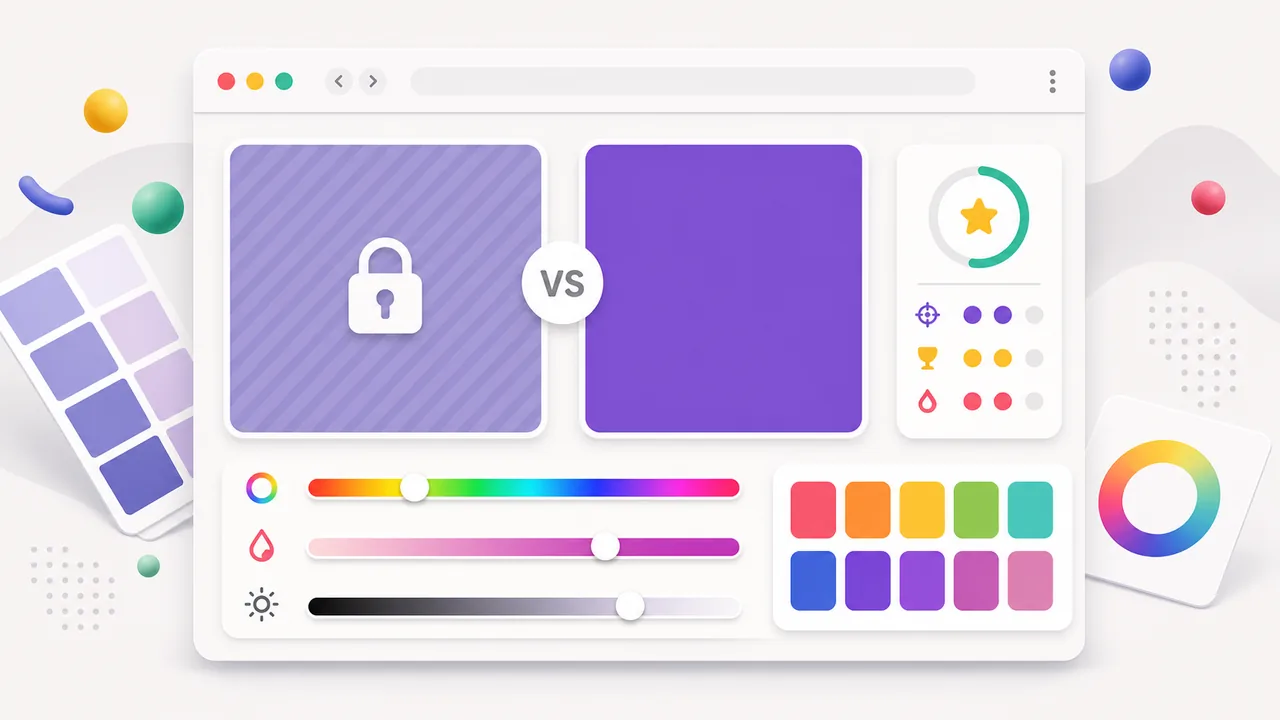
When you reveal the result, the page compares your color with the target color and gives a score so you can adjust hue, saturation, or brightness next time.
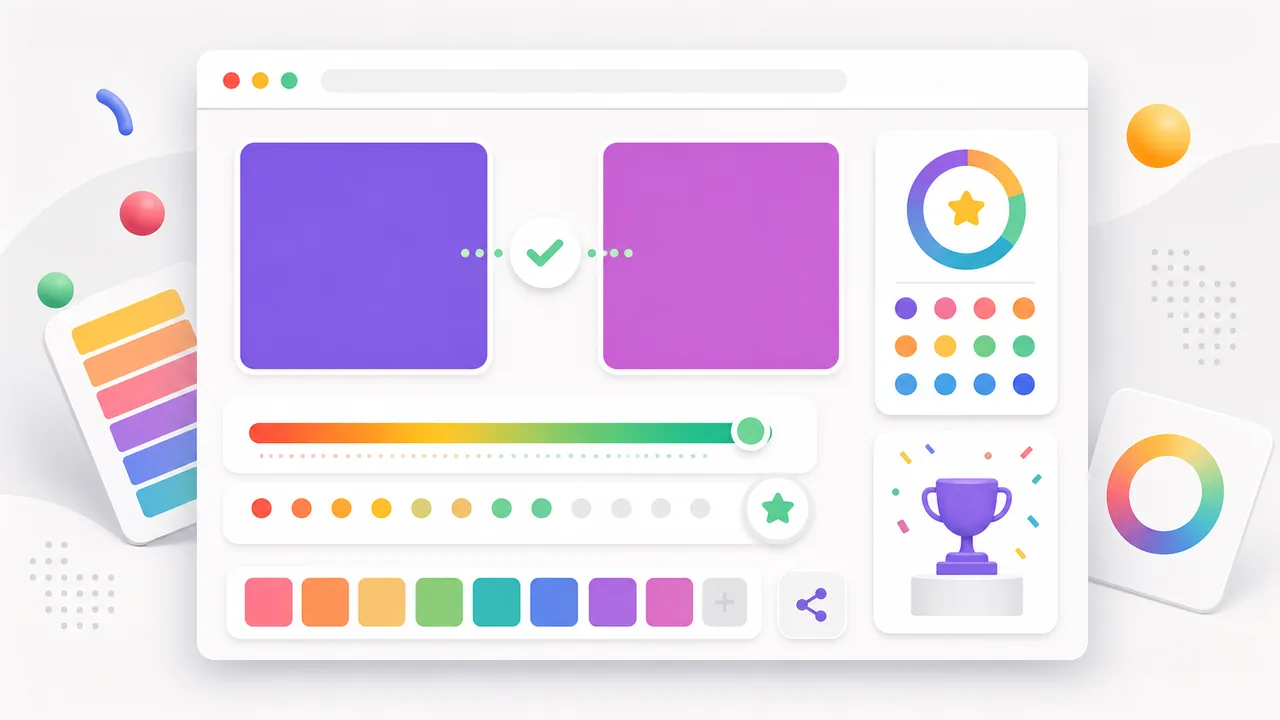
The practice loop is fast: look, hide, rebuild, reveal, and repeat until your eye gets sharper.
Look at the target swatch for a few seconds. Try to remember whether the color is warm or cool, vivid or muted, bright or dark.
Hide the target color and rebuild it with HSB sliders. Hue chooses the color family, saturation controls intensity, and brightness controls lightness.
The tool uses HSB because it mirrors the way designers adjust colors in practical tools.
Reveal your score, compare the target and guessed swatches, then try another color. Small repeated rounds are better practice than one long attempt.
If your score is low, fix hue first. If it feels close but wrong, fine-tune saturation and brightness.
Reveal your scoreEach round isolates a skill that helps with design, art, UI work, and everyday color memory.
Practice choosing whether a color leans red, orange, yellow, green, cyan, blue, purple, or pink.
Learn whether a color is vivid, muted, grayish, or nearly pure before you worry about exact HEX values.
Train your eye to separate a dark color from a muted color, which is a common source of close misses.
A new target color appears each round, so the tool stays quick enough for daily practice.
Use the share buttons to send this page to friends, design teammates, or social followers.
After practicing, use the Palette Lab extractor to inspect real image colors.
Answers for players searching for guess the color game, color match game, or colour guessing game.
It asks you to remember or identify a color, recreate it, and compare your answer with the target color. Palette Lab uses HSB sliders so the guess feels visual instead of random.
Yes. The Palette Lab color practice tool is free, browser-based, and does not require an account or installation.
Both spellings describe the same game. Palette Lab uses American English in most page titles, but people searching for a colour guessing game can play the same browser tool.
The game converts your HSB guess to RGB, compares it with the hidden target color, and turns the RGB distance into a 0-10 score.
Try Toon Tone if you want a cartoon color guessing challenge, or use the Palette Lab color palette extractor when you want real HEX, RGB, HSB, OKLCH, CSS, and JSON values from an image.
Restart the page when you want another quick HSB memory round.
Then move into Toon Tone for cartoon color prompts or open the color palette extractor for real project colors.
Palette Lab color practice pages are free, browser-based, and built for fast rounds.