Color mixer Find the color in between.

Choose two colors and a ratio, compare the spaces and copy the result into your project.

Mix two digital colors

The proportion is the share of color B. Color A makes up the remainder.

Your mixed color

The calculated preview uses mapped sRGB over the selected backdrop. Output values retain alpha.

Alpha is premultiplied during interpolation; angular hue is not. The backdrop affects the preview, not the exported mix.

Copy a color value

HEX#9d77bd
RGBrgb(156.921956 118.69952 189.441657)
HSLhsl(272.418389 35.045353% 60.419839%)
OKLCHoklch(63.26679078% 0.1110655127 308.30681777)
Lab · D50lab(55.83419395% 25.63799175 -31.6467993)

Digital interpolation is not a prediction of physical paint or ink mixing.
Explore the proportions

Nine computed mixes from 0% to 100% B, using the selected space and hue path. Select one to use that proportion.

Compare the same ratio

Only the interpolation space changes. The hue path affects OKLCH. No space is automatically best for every combination.

sRGB

#906ab8

Linear sRGB

#ba6ac1

OKLab

#9d77bd

OKLCH

#b95cd3

Use the result

.mixed-color {
  background-color: rgb(157, 119, 189);
  background-color: color-mix(in oklab, #2563eb 50%, #fb7185 50%);
}

CSS includes a static sRGB RGB/RGBA fallback followed by color-mix(). Unsupported browsers retain the fallback. The fallback is mapped and rounded to 8-bit channels; the backdrop is a preview aid and is not part of this CSS.

Color calculations run in your browser. The website still loads assets, advertising and analytics.

Make the mix a deliberate choice

Proportion and color space both influence the intermediate color.

Choose a ratio, keep the inputs

Move from color A to color B without replacing either input. Compare intermediate values and copy the one you need. Inputs may include alpha; the preview shows the result over a backdrop you choose.

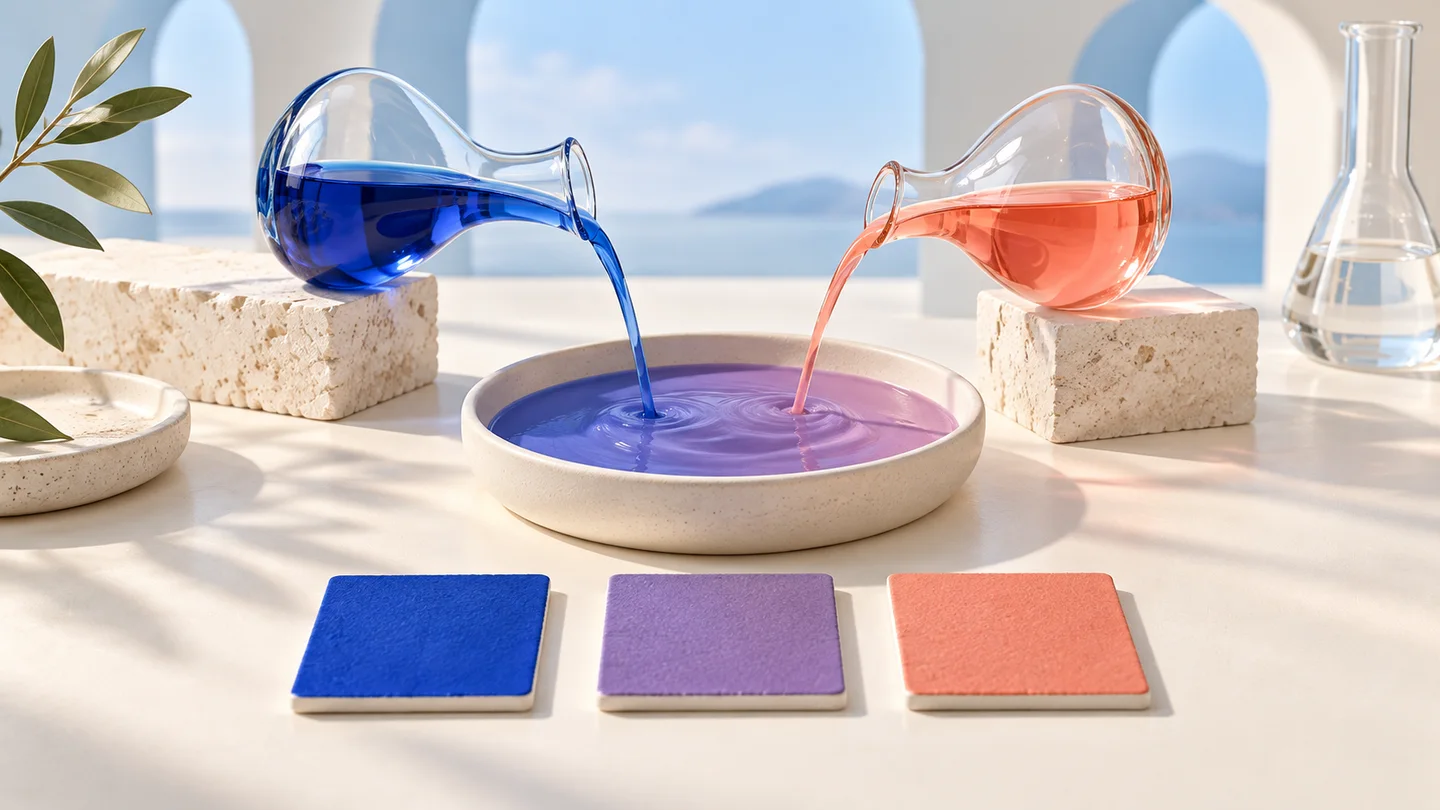
Conceptual laboratory illustration of two colors flowing into a third

Compare spaces before choosing

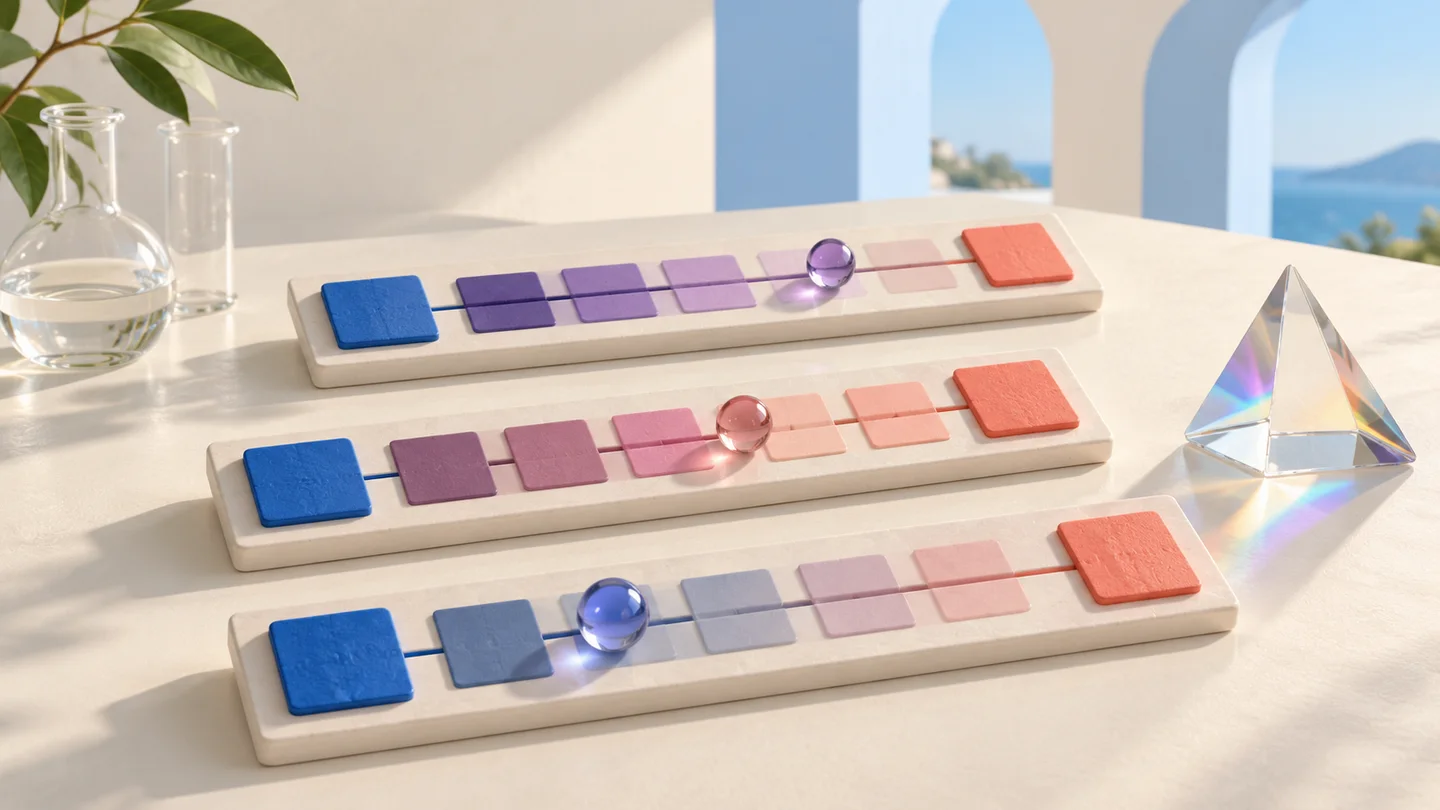
Encoded sRGB, linear sRGB, OKLab and OKLCH take different routes between colors. Inspect the same ratio side by side. OKLCH additionally lets you choose a shorter or longer hue path.

Three artistic swatch tracks showing different intermediate colors

How to mix two colors

Choose the endpoints, set the proportion and export.

01

Enter both colors and a backdrop

Paste two supported color values. For transparency, set an opaque backdrop so the displayed result has a defined context. HSV/HSB is accepted as input notation and exported as valid CSS RGB.

02

Adjust the ratio and space

The percentage is color B’s share; color A is the remainder. Compare four spaces, choose a hue path for OKLCH and select a step to try another proportion.

03

Copy the value or export code

Copy HEX, RGB, HSL, OKLCH or Lab. Export CSS with a static fallback and color-mix(), or save JSON. Review the actual foreground/background contrast separately before putting text on the color.

Color mixer FAQ

Digital mixing, transparency and practical CSS output.

Does this simulate mixing paint?

No. It interpolates digital color coordinates. Paint and ink depend on pigments, spectra, materials and lighting. Do not use the result as a physical mixing recipe.

Why do RGB, linear RGB and OKLab give different results?

They interpolate different coordinates. Encoded sRGB is not linear light; linear sRGB removes that encoding, while OKLab uses a perceptual coordinate model. OKLCH uses lightness, chroma and an angular hue path. Compare the result for your task.

Which color does the percentage refer to?

It is the share of color B, from 0% to 100%. Color A supplies the remainder, so the weights always total 100%. This version does not expose independent weights whose total changes the resulting alpha.

Can I mix transparent colors?

Yes. The calculation premultiplies non-angular coordinates by alpha before mixing and unpremultiplies afterward. This avoids treating transparent black as opaque black. The chosen backdrop is used for display, not mixed into the exported color.

What does the shorter or longer hue path do?

For OKLCH it selects the shorter or longer arc between hue angles. A nearly achromatic color has a powerless hue, which takes the other color’s hue before interpolation. Other spaces do not use this selector.

Why can the HEX output differ from OKLCH or Lab?

HEX must represent sRGB and rounds channels to 8 bits. A computed color outside sRGB needs mapping for HEX and the preview. OKLCH and Lab preserve the computed coordinates; their values are serialized with finite precision.

What CSS can I copy, and which browsers support it?

The export contains a static RGB/RGBA declaration followed by an explicit two-color color-mix() expression. A browser that rejects the second keeps the first. Test the selected interpolation and colors in your target browsers; no universal rendering guarantee is implied.

Is the mixed color automatically accessible?

No. A single color has no text contrast ratio without a background and role. Check the real pair with the contrast checker. The full page URL preserves valid mixing settings across reloads and language changes; CSS and JSON files can also be downloaded.

Technical references: CSS Color 5 · color-mix() · CSS Color 4

Keep the inputs. Refine the middle.

Compare the spaces and take the value you need.

Digital color interpolation, with explicit alpha and gamut handling.