Palette Lab · Color tools

Color converter One color. More ways to use it.

Move a color between design and code with six formats, an alpha-aware preview and clear sRGB gamut notices.

Free · No account required · Calculations in your browser

Convert a color

One input, six useful representations. Copy a format or continue to a contrast check.

Converted values

HEX

#336699

CSS color

RGB

rgb(51 102 153)

CSS color

HSL

hsl(210 50% 40%)

CSS color

HSV / HSB

H: 210° · S: 66.666667% · V/B: 60% · α: 1

Model values · not CSS

OKLCH

oklch(49.931446% 0.09866438 250.433057)

CSS color

LAB · D50

lab(41.520824% -4.57309 -33.494195)

CSS color

Calculations retain floating-point precision. Displayed values are rounded; HEX uses 8-bit channels and may lose precision.

HSV and HSB describe the same model. These values are not a CSS hsv() or hsb() function. Achromatic hue is displayed as 0°.

LAB uses the CSS D50 white point. It is not interchangeable with Lab values measured with a different white point.
Understand the color behind the code

Use the representation that fits your next task.

Different coordinates, one color

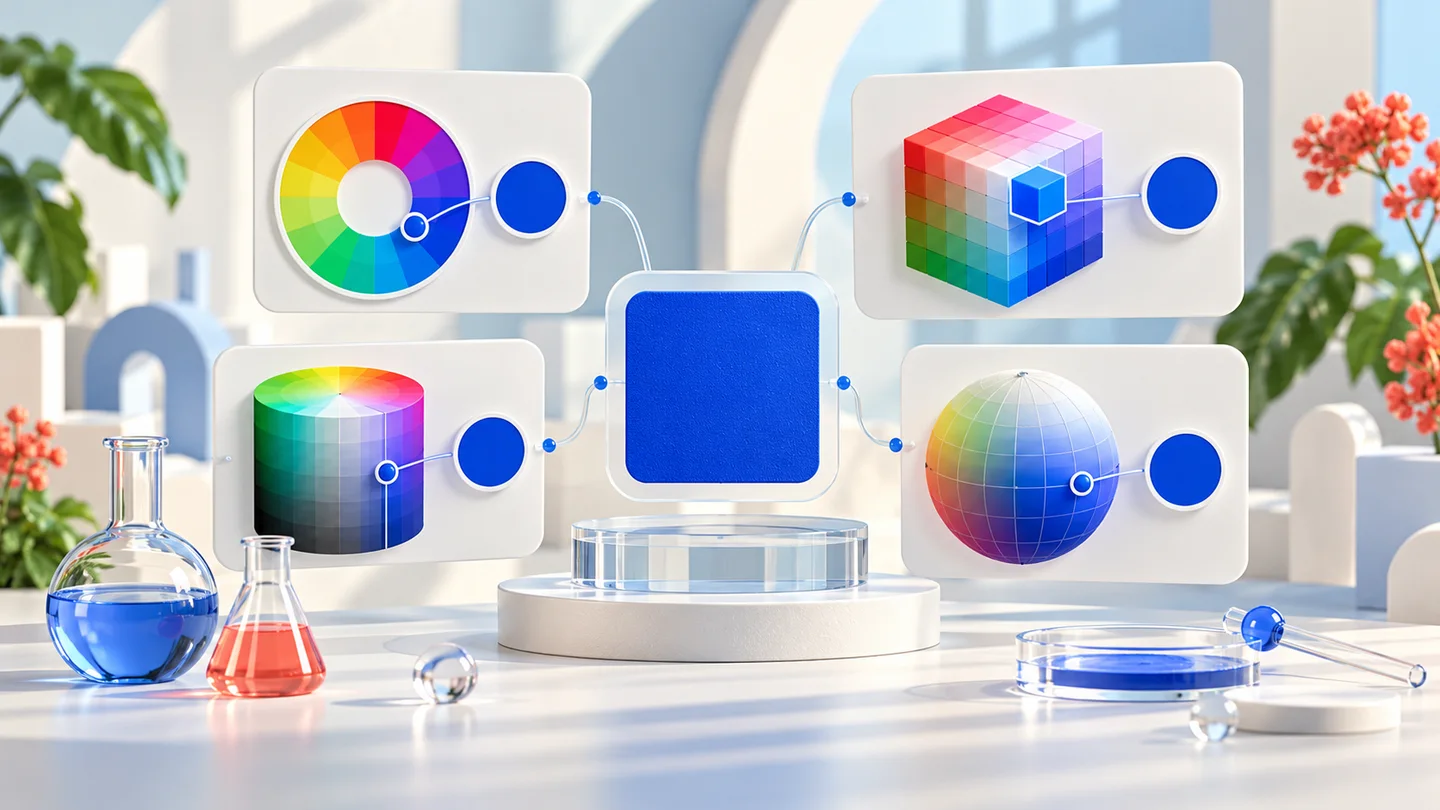
HEX is compact for web colors; RGB describes red, green and blue channels; HSL and HSV/HSB are useful for adjusting hue, saturation and lightness or value. OKLCH offers perceptual lightness, chroma and hue, while CSS Lab uses a D50 reference white. Converting coordinates does not intentionally redesign your color.

Conceptual illustration of one blue color connected to color wheels and model diagrams

A wider gamut needs an honest preview

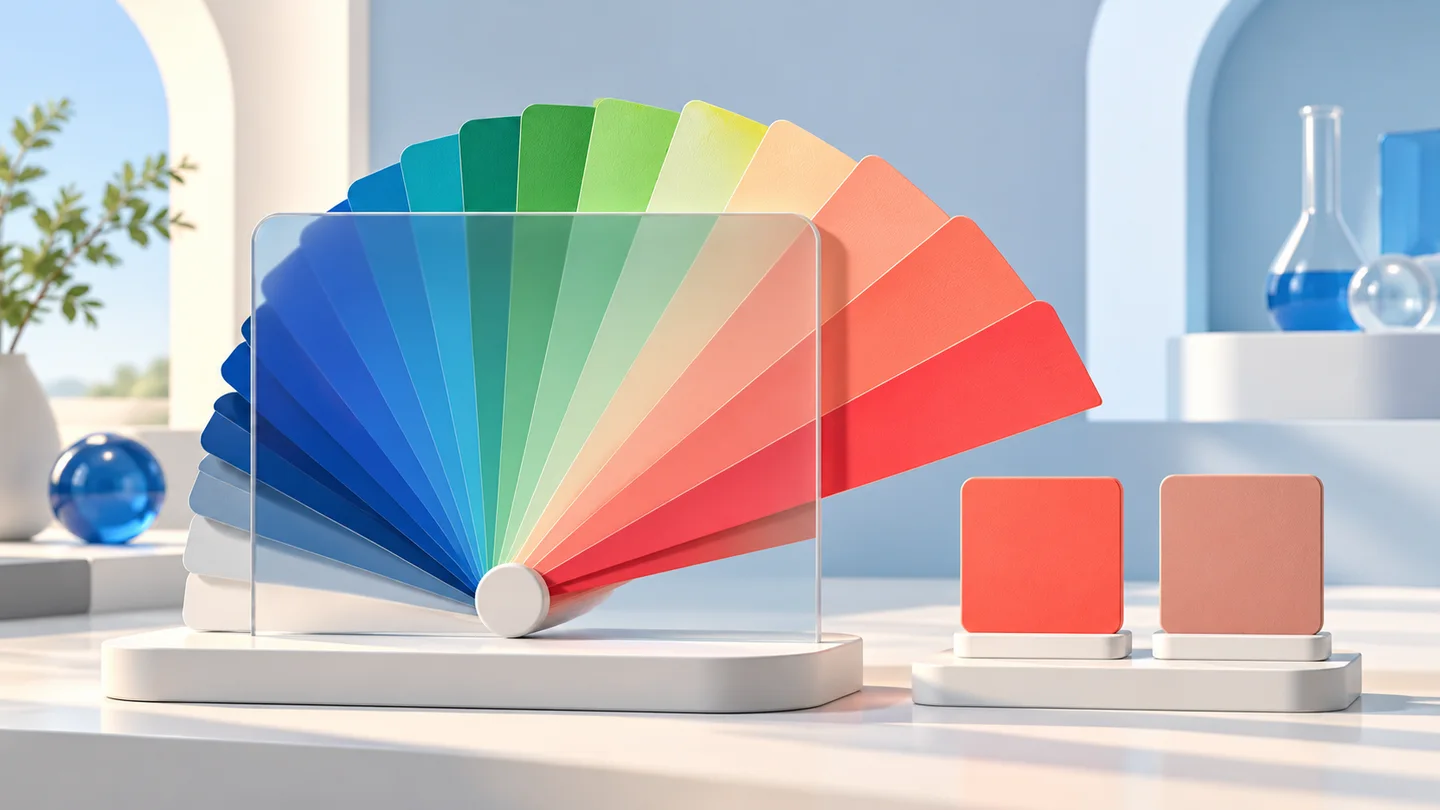
Some OKLCH or Lab colors cannot be represented in sRGB. The converter preserves the original coordinates and maps a separate copy for HEX, RGB, HSL, HSV and the preview. An approximation notice makes that change explicit. The illustration explains the idea; it is not a measured gamut diagram.

Conceptual color fan extending beyond a translucent range with two sample tiles

How to use the color converter

From a pasted value to a reusable color in three steps.

01

Paste a complete color value

Start with #336699, rgb(51 102 153), hsl(210 50% 40%) or a supported OKLCH/Lab value. Use hsv(210 66.6667% 60%) only as model input notation. An invalid value leaves your previous preview visible and pauses copying until the input is fixed.

02

Review opacity and gamut

Use the picker for an sRGB color and the opacity slider for alpha. Transparent previews sit on a checkerboard; the checkerboard is not part of the color. When a gamut notice appears, distinguish mapped sRGB outputs from the retained OKLCH and Lab coordinates.

03

Copy the format you need

Copy a single value for a stylesheet or all formats for documentation. HEX rounds to 8-bit channels; use a functional format if you need more precision. Send the color to the contrast checker before using it for text or controls.

Color converter FAQ

Format differences, precision and practical limits.

How do I convert HEX to RGB or HSL?

Paste a 3-, 4-, 6- or 8-digit HEX value. The results update in RGB, HSL, HSV/HSB, OKLCH and Lab. Copy the required field. Four- and eight-digit HEX include alpha in the last channel.

Are HSV and HSB the same?

Yes. In this tool HSV value and HSB brightness refer to the same model. They differ from HSL lightness. HSV/HSB is shown as model data because CSS does not define hsv() or hsb() color functions.

Can I convert OKLCH to HEX without changing the color?

An in-sRGB color can be represented in HEX, subject to 8-bit rounding. A color outside sRGB requires gamut mapping for HEX. The tool labels mapped outputs as approximations and retains original OKLCH and Lab coordinates.

Which white point does LAB use?

The converter uses CSS lab(), which is defined relative to D50. Color.js handles the chromatic adaptation used in conversion. Values from a D65 Lab workflow or a device profile should not be treated as interchangeable.

Does the converter preserve transparency?

Yes. Supported alpha values are retained in functional outputs and represented with an alpha byte in HEX when needed. Alpha is opacity, not a fixed rendered color: the appearance depends on the background.

Why do copied formats have slightly different numbers?

Color spaces use different coordinates. Calculations keep floating-point values, while displayed values are rounded. HEX has only 256 levels per channel, so repeatedly converting through HEX can lose detail.

Can I paste every CSS color expression?

No. The tool accepts the listed absolute formats and named sRGB colors. It does not evaluate CSS variables, currentColor, relative-color syntax, calc(), missing channels or device profiles. HSV/HSB notation is an additional non-CSS input convenience.

Does a converted color guarantee readable text?

No. Conversion describes a color, while readability depends on a foreground/background pair, opacity, font and context. Open the contrast checker to evaluate a solid pair against WCAG text and non-text thresholds.

Technical references: CSS Color 4 · Color.js

Put your color to work

Convert first, then check the pair you plan to use.

Color conversion is local to your browser; the site also loads page assets, advertising and analytics.