HEX rounds to 8-bit sRGB. Wide-gamut or fractional source values may change; original/CSS output preserves those source values.
Merge the theme snippet into your project. Use complete class names in source files so Tailwind can detect them. JSON is a plain color map, not a design-token specification.
Color calculations run in your browser. The site also loads assets, advertising and analytics.
Explore relationships, then refine the details
A harmony is a starting point for design decisions.
Choose how the hues relate
Analogous, complementary, split-complementary, triadic, tetradic and monochromatic schemes use explicit OKLCH hue offsets. Lightness and chroma vary to create different roles. Other tools may use a different color wheel and produce different complements; none of these rules guarantees a successful design.
Keep the colors you like
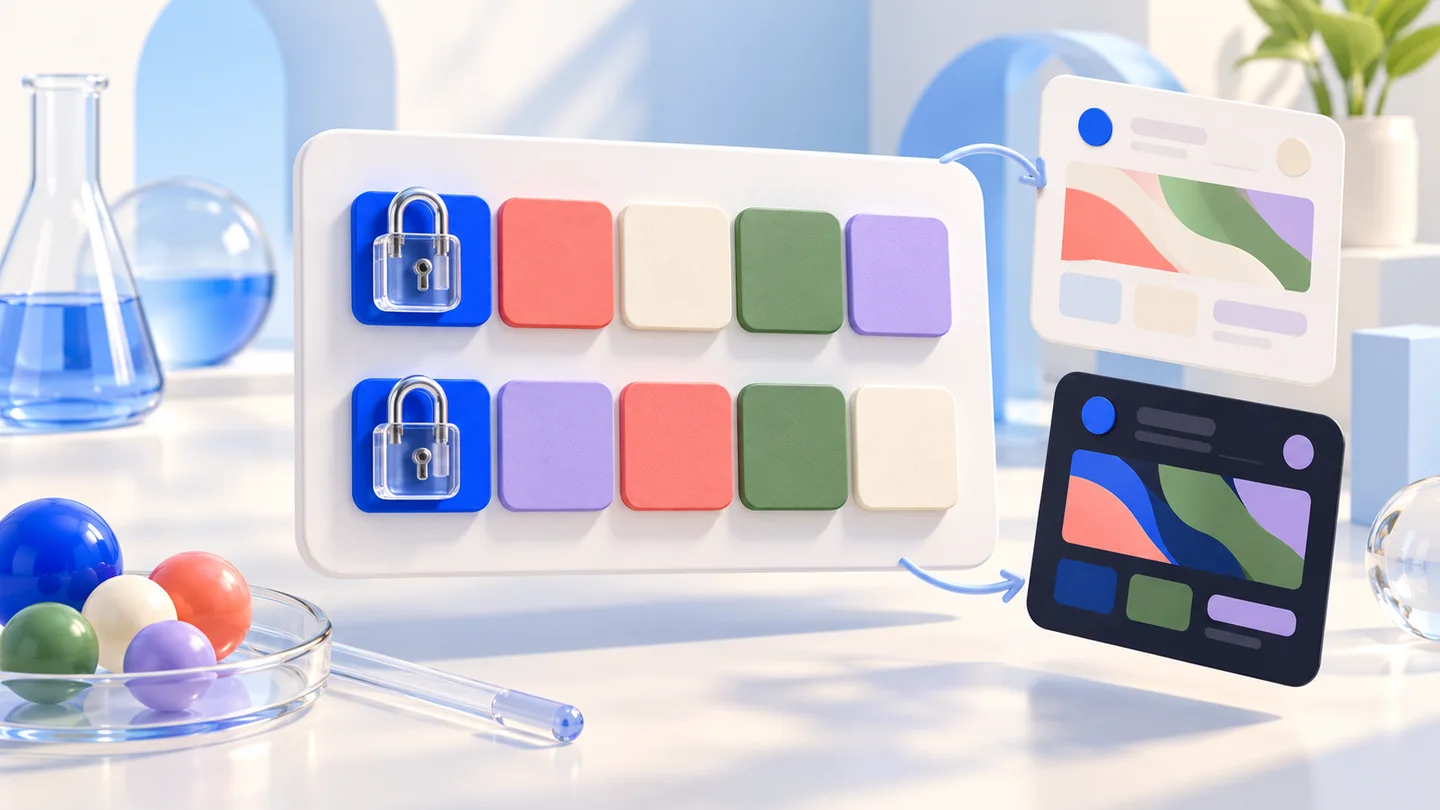
Lock any swatch before generating another combination. Locks preserve exact stored color values; direct editing still lets you make a deliberate change. Undo restores the preceding palette, reference, scheme and locks. Compare selected pairs in both directions and export the current values together.
How to generate and refine a palette
Use the reference as guidance and locks to keep decisions.
01
Choose a reference and harmony
Paste an opaque color and select a scheme. The reference guides colors that are newly generated. A grayscale reference stays achromatic; choose a chromatic reference when you want hue-based variation.
02
Lock, regenerate or edit a swatch
The original first swatch starts locked. Lock other colors you want to keep, then generate alternatives for unlocked slots. Change a swatch directly for a specific value, even if locked. Undo can restore an earlier working state; it is limited to the current page session.
03
Test the pair and export the palette
Pick foreground and background swatches and review their actual sRGB contrast. Export the current palette as CSS, SCSS, Tailwind v4/v3 or a plain JSON color map. The page URL carries the palette and locks, while the canonical URL remains the clean tool address.
Keep working with color
Build a scale, explore a combination or check a real pair.
Tailwind palette generator
Build a custom 50–950 color scale from a brand color. Preserve the source, compare Tailwind v4/v3 defaults and export themes, CSS, SCSS or JSON.
Harmony rules, locked colors and practical handoff.
Can I keep one color and regenerate the others?
Yes. Lock that swatch before generating. Locked values stay unchanged when generating with another reference or harmony. If all five swatches are locked, generation is disabled until you unlock one. Direct manual edits remain possible.
What is the difference between a palette and a shade scale?
A palette combines colors for different roles, often across multiple hues. A shade scale creates lighter and darker versions around one source. Use this page to explore combinations and the Tailwind scale generator for eleven 50–950 shades.
Which color-harmony rules are used?
The tool uses OKLCH hue offsets: nearby hues for analogous schemes, 180° for complements, ±150° for split complements, 120° for triads and 90° for tetrads. Lightness and chroma vary; monochromatic schemes retain one hue. These are algorithm choices, not a universal definition of good color.
Why do complementary colors differ from another generator?
Color wheels and spaces differ. This generator rotates OKLCH hue, while another may rotate HSL or use an artist’s wheel. Gamut handling and lightness also affect the result. Compare the actual colors rather than treating one complement as the only correct answer.
Can I edit a locked color or undo a change?
Yes. Locking prevents automatic regeneration, not deliberate editing. Undo restores palette changes, locks, reference and scheme from the session history (up to 30 states). Reloading or switching language preserves the current palette through its URL, but not the undo history.
Is every generated combination accessible?
No. Harmony and text contrast solve different tasks. Use the selected foreground/background preview and the contrast checker for real pairs. Color must also be accompanied by text, shapes or other cues when it carries meaning.
What can I export, and are colors preserved?
CSS variables, SCSS variables/map, Tailwind v4 @theme, v3 configuration and JSON all use the current palette. Original/CSS mode preserves stored sources; HEX maps to sRGB and rounds to 8-bit channels. JSON is a plain color map and is not advertised as a specific token standard.
Can I use transparency or generate a palette from a photo?
This generator currently requires opaque reference and swatch colors, and rejects alpha instead of discarding it. For a photo, start with the image palette extractor and bring a chosen color here. That task differs from generating harmony-based combinations.